One app for the whole job.
Design, pre-construction, construction, closeout and accounting, on the same projects with one login. Start free and add only what your firm uses.
Design
Draw it, specify it, and answer for it.
Draw the job to scale in Design Studio, specify it in the spec book, weigh value engineering, and run RFIs, submittals, the schedule and the risks while it is designed.
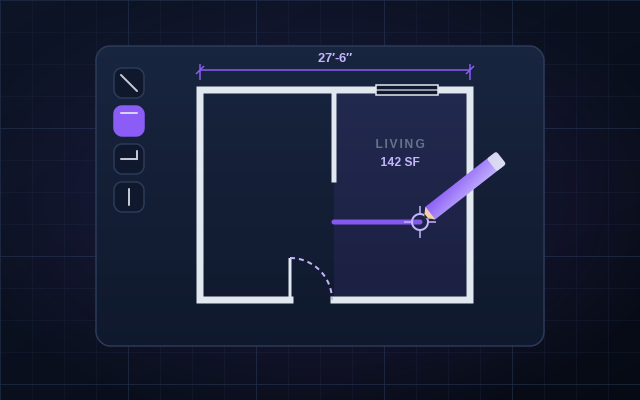
Design Studio
Draw the job to scale: walls, rooms, doors and windows, dimensions and text, on sheets with your title block. Print the sheets and issue drawing sets.
Pre-Construction
From the drawings to a winning number.
Take off the drawings, price the estimate, send RFQs and level the bids that come back, share the job in plan rooms, and send the proposal, without switching tabs.
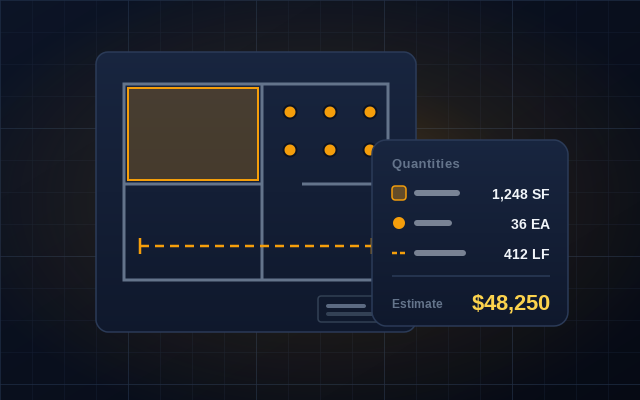
Takeoff Studio
Measure areas, lengths and counts right on the drawings, with scales, snapping and speed tools, and bring in markups from Bluebeam and other programs.
Construction
Run the job from budget to closeout.
For construction managers, GCs and trade contractors. A job you win arrives with its budget, subcontracts and schedule, and the money, the field and the paperwork live in one place.
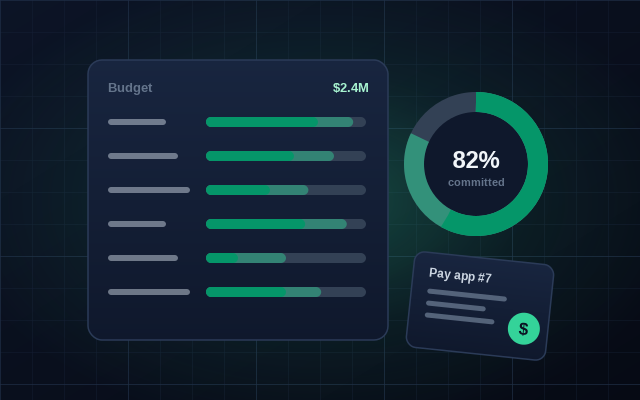
Budget and Trade Contracts
The construction budget by cost code, every trade contract against it, and the job's cash flow: committed, spent and left.
Closeout
Close the job out cleanly.
The closeout checklist, the punch list, warranties and completion certificates, and the building handed over to its owner, so nothing is chased after the job is gone.

Closeout Checklist
Every closeout item on one checklist, from your own templates, with who owes it.
Accounting
The firm's money, in one place.
Each project's billing and costs, the firm's invoices and fees, staff time, expenses and payroll, and the whole portfolio rolled up into the firm's ledger.
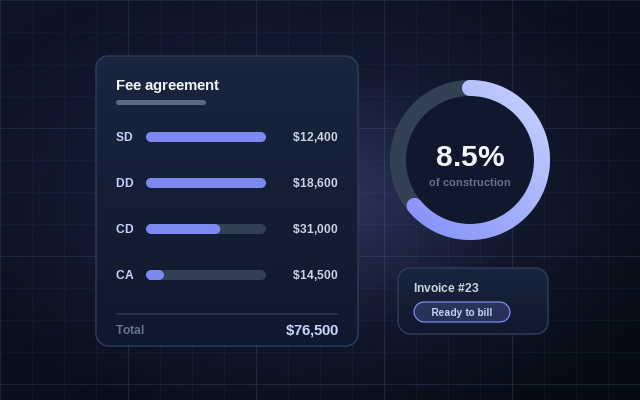
Billing and the Service Invoicer
Bill each project from its proposal and progress, and invoice services from the firm's fee library.
Your firm. Your software. Start today.
Start free, with every project and the core of the app. Add only what your firm uses.